
Free guide
“Why You Should Be Using a Password Manager, and Why Keeper Is My Go-To,” a short guide from Jason Smith of ZATIS.
Get the free guide →
Enter your password below to see how secure it really is. Our password strength checker will show you how Keeper Password Manager can make your digital life safer.
Want the full picture for your business? Take the free 12-question Password Risk Scorecard →
There is no warning light on password security. The spreadsheet works fine. The sticky note works fine. The password everyone shares for the accounting portal works fine, right up until a former employee, a phishing email, or a breach at a vendor you forgot about turns it into a very expensive Tuesday.
Your score, grade and three biggest gaps appear on the next screen right away.
This is a snapshot of today, not a verdict on you. Every business that has ever fixed this started with a number they did not love.
If your score surprised you, a short conversation is usually enough to tell whether this is a this-week problem or a this-quarter problem.

Protecting your passwords is no longer optional. It is part of protecting your business, your customers, and your reputation.

A single reused or leaked password can open the door to email, banking, and customer data.

Recovering accounts and resetting forgotten passwords wastes time your team could spend on real work.

One compromised account can damage the confidence your customers and clients place in you.
ZATIS Password Keeper is built on Keeper Password Manager from Keeper Security. ZATIS helps you set it up, learn it, and actually use it.
 Password manager
Keeper stores your credentials in an encrypted vault. Keeper Security describes its platform as zero-knowledge: your vault is encrypted and decrypted on your own device.
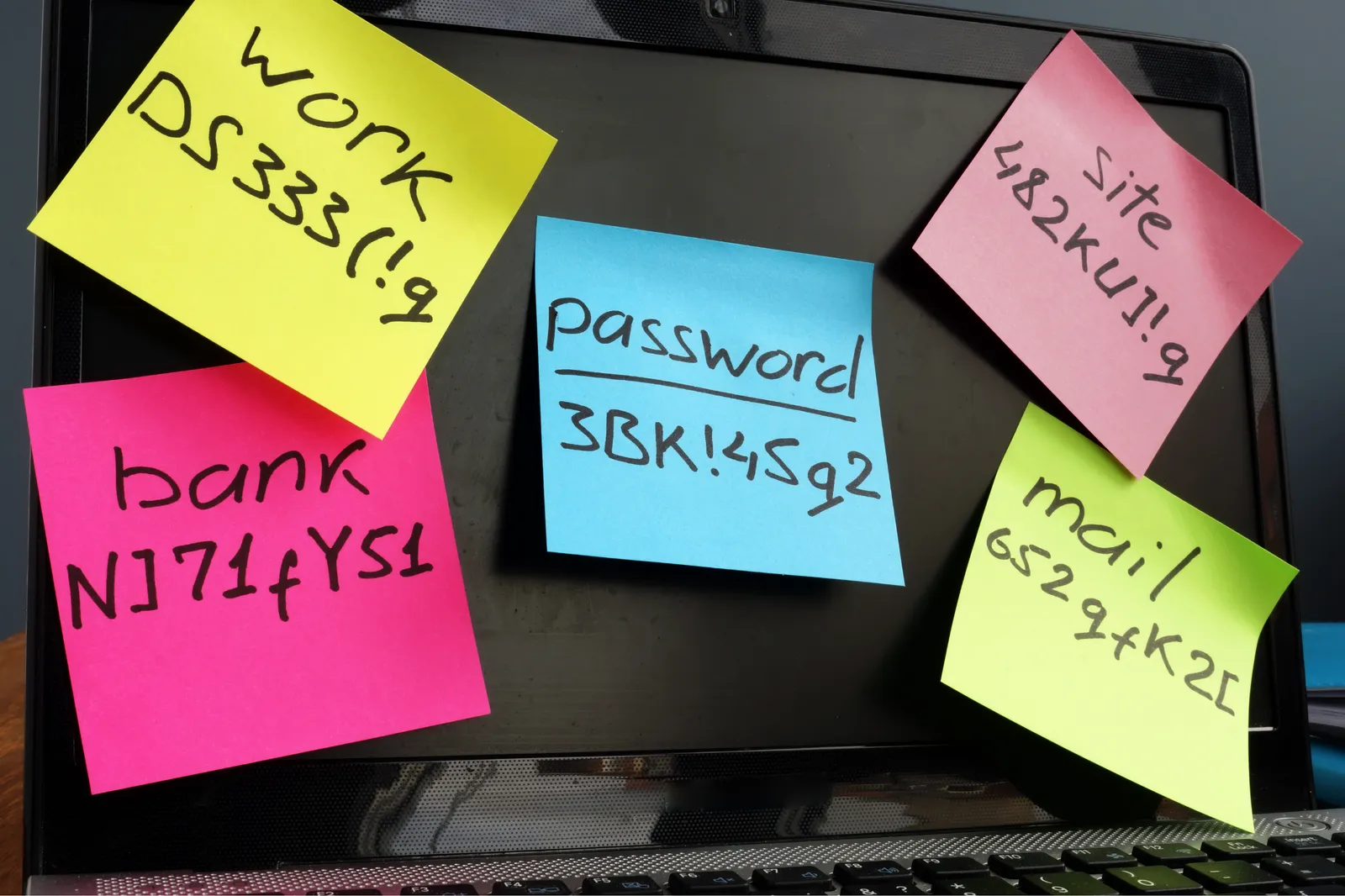
Autofill, share securely, and manage all of your passwords in one place, instead of sticky notes, spreadsheets, and browser pop-ups.

Your vault syncs across your computer and phone, so the right credentials are available when you need them, protected by multi-factor authentication.

ZATIS makes password security practical. Start with free self-paced onboarding, choose an instructor-led group session, or get personalized 1:1 setup, training, consultation, and technical assistance. We help you get protected, learn the workflow, and actually use it.

Get Keeper through ZATIS, or tell us what you already use.

Move credentials out of browsers, spreadsheets, and sticky notes into one encrypted vault.

Learn the everyday workflow on your own real accounts, with MFA turned on.
Learn on your own, learn with a group, or get personalized help. Start wherever makes sense for you.
“Why You Should Be Using a Password Manager, and Why Keeper Is My Go-To,” a short guide from Jason Smith of ZATIS.
Get the free guide →Instructor-led group sessions, or personalized 1:1 setup, training, consultation, and technical assistance.
Explore training →Work through the first steps of Keeper on your own schedule.
About self-paced onboarding →
If a website asks you to type your password in to “test how strong it is,” close the tab. Hackers build fake pages exactly like that to collect passwords.
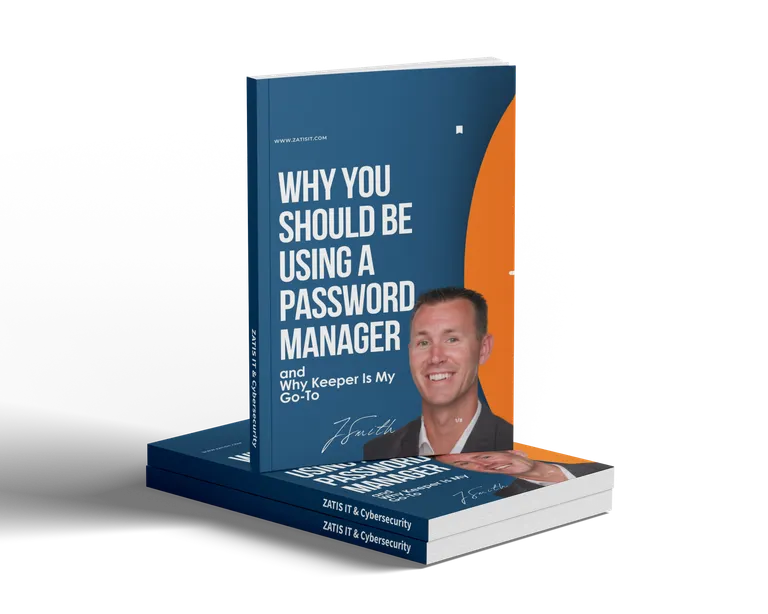
Practical insight on securing your digital life, and why Keeper is our go-to password manager.
No. The scorecard asks about habits, never about actual passwords. A legitimate security check never needs your real password.
No. It is a self-assessment based on your answers. It is a useful starting point, not a technical audit of your systems.
Your answers produce your score on screen. Your name, email, company, and score go to ZATIS so we can follow up about your results. See our Privacy Policy.
ZATIS Password Keeper is how ZATIS helps people and businesses adopt Keeper Password Manager from Keeper Security.
Start with free self-paced onboarding, choose an instructor-led group session, or get personalized 1:1 setup, training, consultation, and technical assistance.
Use the booking calendar on the training page. If you have not arranged training yet, start with a training request on the same page.
You can get Keeper through ZATIS, or contact us and we will help you choose the right setup.
Twelve plain-English questions. Your score on screen. No password required.